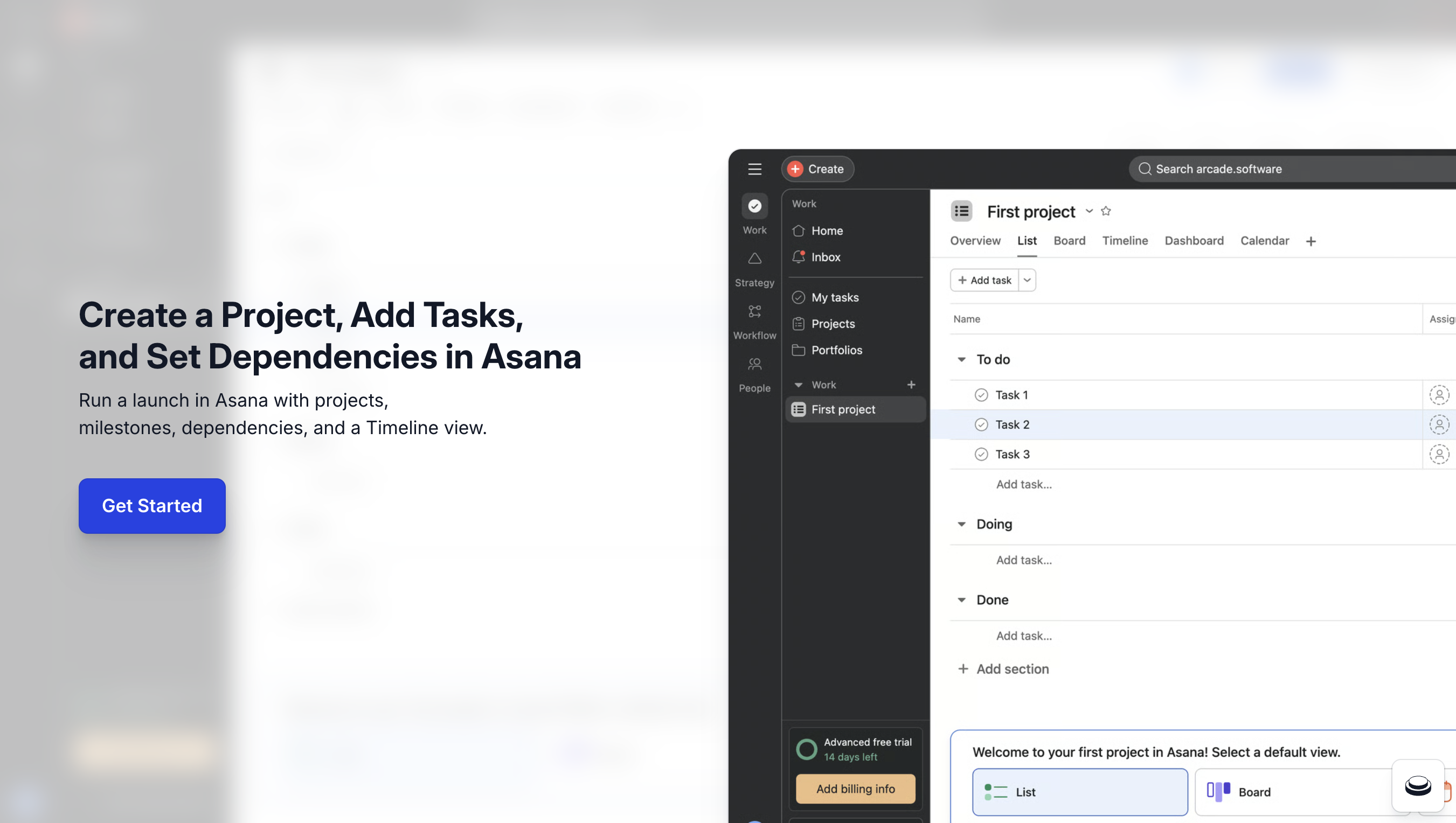
How to use Asana for product marketing launches in 2026: click + Create → Project, pick the List layout, add Pre-launch, Launch, and Post-launch sections, drop in tasks with owners and due dates, set dependencies on critical-path items, then switch to Timeline view. The full launch project setup takes under ten minutes, and this Asana tutorial 2026 covers every click from blank dashboard to live launch plan. Asana is the project tool product marketing (PMM) teams use to coordinate launches across product, design, marketing, and sales without spinning up a separate workflow tool. Arcade lives alongside Asana in the launch stack, Asana holds the plan and Arcade holds the clickable demo of the feature you're launching, and the two together replace launch decks for cross-functional alignment.
Arcade customers operationalize the Asana to interactive demo workflow with measurable outcomes: Wrike lifted onboarding conversion 65% with Arcade demos embedded in launch enablement materials coordinated through Asana, Quantum Metric doubled conversion swapping static screenshots for Arcade demos in launch comms, and RudderStack went from 4-5 demos per quarter to 30+ after standardizing the Asana + Arcade launch pattern.
According to the Consensus 2026 B2B Buyer Behavior Report, 80% of B2B decision-making now happens before a seller is involved, which means the launch artifacts your team ships need to communicate the product clearly. Per Pavilion's 2026 GTM Benchmarks, B2B SaaS PMM teams now own 60%+ of launch asset production directly, and Asana is the most-cited tool for coordinating that work across functions.
Quick Answer: How to use Asana for product marketing launches
Asana for product marketing teams is the lowest-friction way to coordinate a launch across product, design, marketing, and sales without dropping into email threads. Three reasons PMM teams own Asana for PMM workflows directly:
PMM teams that try to run launches in Notion lose the dependency tracking. PMM teams that run launches in Linear bury the marketing work behind engineering filters. Asana for product marketing keeps the launch plan central and cross-functional.
Below is how to use Asana end-to-end for the first time, the ten-minute Asana launch project setup PMM teams run before scaling to multi-launch coordination.
Before you start. An Asana account (free tier works). Start from My tasks or Home.
The concepts below are the highest-leverage Asana primitives for PMM and launch workflows. Skipping them creates rework as launches stack up.
| Concept | What it does | Why PMM teams need it | When to learn it |
|---|---|---|---|
| Sections | Group tasks by launch phase | Pre-launch, Launch, Post-launch structure | Day one |
| Dependencies | Block tasks until predecessors complete | Critical-path visibility | Day one |
| Timeline view | Gantt-style date visualization | Surface slip risk early | Week one (Asana timeline view) |
| Custom fields | Add launch-specific properties (Asset Type, Channel) | Filter and report on launch artifacts | Week one |
| Project templates | Reusable launch project structure | Skip blank-project setup on every launch | After launch #2 |
| Portfolios | Roll-up across multiple launches | Quarterly launch overview | When running 3+ launches per quarter |
| Rules / automations | Trigger actions on task changes | Auto-assign reviewers, post to Slack | Month two |
Once the base launch project ships, three Asana features compound the value for PMM teams running real cross-functional work:
Each is documented in Asana Academy. PMM teams that adopt all three typically cut per-launch coordination time by 30-40%.
Asana is the recommended launch tool in this guide on how to use Asana, but it carries real constraints worth planning around before standardizing on it.
These are real constraints, not flaws. Account for them when sizing the rollout to your team.
The Asana to interactive demo pattern is what separates launches that align cross-functional partners from launches that just track tasks. Asana holds the plan; Arcade holds the clickable proof of the feature. The handoff is two steps.
The result is a launch project where sales reps watch the demo before reading the talking points, and design reviewers see the live UI before approving the launch creative. Wrike used this exact Asana to interactive demo pairing to lift onboarding conversion 65% on activation flows coordinated through their launch project.
Yes. Asana's Free tier covers unlimited tasks, up to 10 collaborators per project, and the List and Board views. Most PMM teams move to Starter ($10.99/seat/month) once a launch needs Timeline view, custom fields, or 11+ collaborators.
Asana Timeline view is Asana's Gantt-style date visualization with task dependencies, drag-to-reschedule, and color-coded sections. It includes most Gantt features used by PMM teams without requiring a dedicated Gantt tool, though it lacks resource leveling and earned-value reporting that enterprise PM tools offer.
Yes, using Portfolios. Each launch is its own project; a Portfolio rolls them up into a single launch-month overview with status, owner, and risk fields. Most B2B SaaS PMM teams shipping 3+ launches per quarter use Portfolios.
Paste the Arcade demo share URL into the relevant Asana task's description or attach it as a link. Stakeholders click through to the Arcade showcase interactive demo before the kickoff meeting. No extra tool to install.
Asana's launch-coordination layer (sections, dependencies, Timeline, Portfolios) is the most mature in the category. Monday is the design-led, color-heavy alternative. ClickUp is the all-in-one bet that includes docs and whiteboards. Most B2B SaaS PMM teams settle on Asana for launches and use other tools for non-launch work.
Three sections (Pre-launch, Launch, Post-launch), tasks owned by individuals (never teams), dependencies on the critical-path items, and Timeline view as the default. Pair with an Arcade demo embedded in the headline feature task. This Asana launch project structure scales from 1-launch teams to 5-launch-per-quarter PMM orgs.
Built with Arcade. This interactive walkthrough was built with Arcade, the interactive demo platform used by 30,000+ companies including OpenAI, Salesforce, and Zapier. Once you know how to use Asana to coordinate the launch, Arcade ships the clickable proof inside it, turning screen recordings and Figma designs into interactive product walkthroughs with AI voiceover, branching, and analytics. Try free.