

Power your GTM workflows with agents

Use Arcade agents with the right context to make the right decisions and build beautiful content.

More than 30k companies choose Arcade to tell better product stories

See it in action

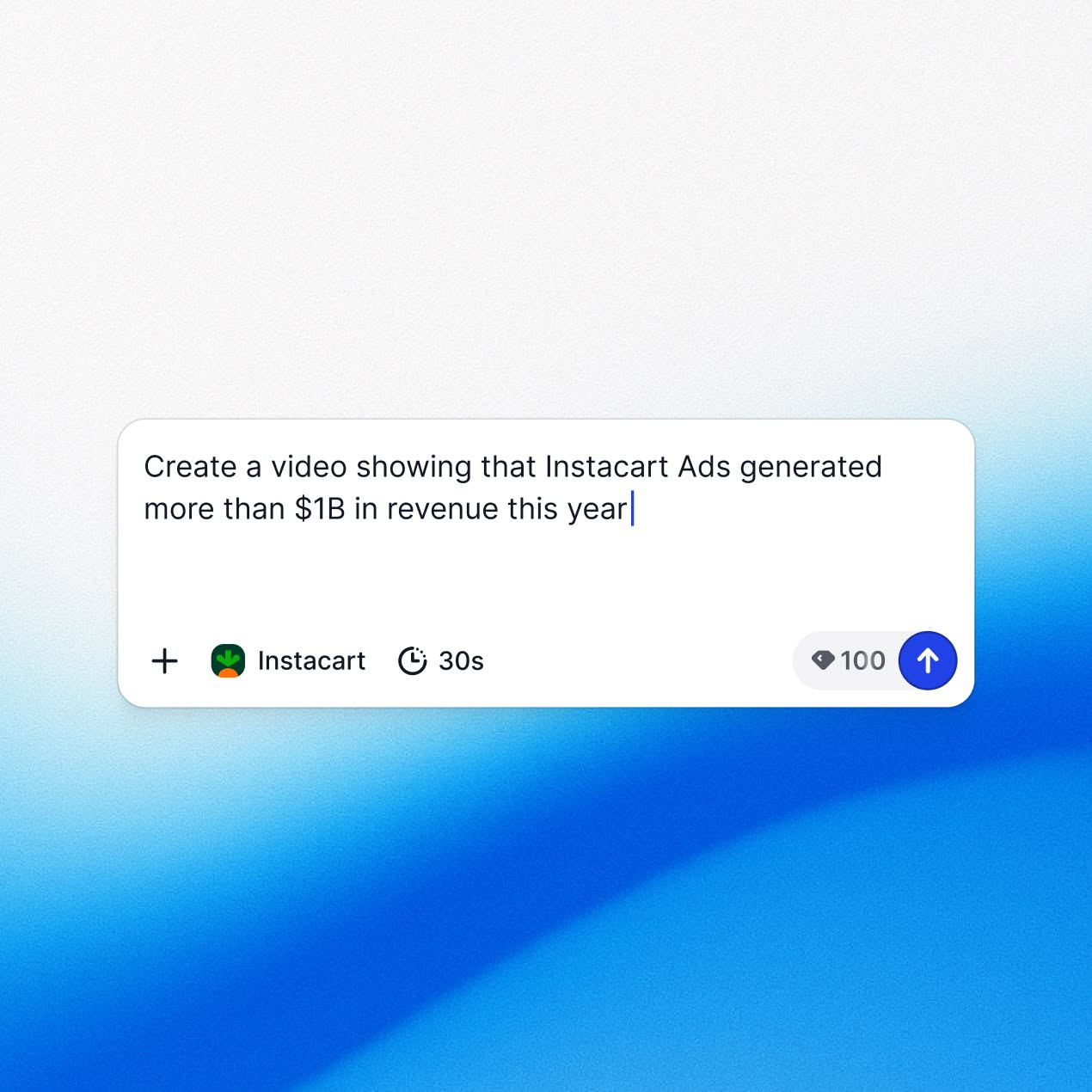
Watch how Arcade turns a conversation into a finished product video.

Claude
ChatGPT

What teams are building

A few examples to get you started

Ship release videos with every sprint.
Auto-generate a video for every release, every sprint. What used to take a week to produce now takes minutes. Ready to drop into your blog or social in a few minutes.
Check our completed Linear tickets for the last sprint. For our top new features, use Arcade to generate videos.
Open in
Five launch videos from one brief.
Stop building one video and hoping it works everywhere. What works for social doesn’t work for your sales reps.
Create 5 variations of this launch video: LinkedIn, paid ad, sales follow-up, website hero, email embed.
Open in
Reverse-engineer winning messages.
See which demos are landing with prospects and double down on the messages that work. Stop guessing what resonates.
Check our Gong calls from the last quarter and find which Arcade demos got the most engagement. Summarize the messages and hooks that worked best.
Open in
Double down on winning ads without an agency.
Turn your best-performing campaigns into new video variations without the need for a designer.
Check PostHog for our top Google Ads by clicks, then create three variations with slightly different messaging using Arcade.
Open in
Stand out in every inbox with a personal video.
Send every prospect a video tailored to what they actually care about.
Create a video for the Head of Sales at Salesforce using my Granola call notes and our Notion positioning guide.
Open in

"Arcade came into play when we needed to find a way to scale how we think about demoing and showing the product to customers."

Kayla Rasmussen
Manager, Solutions Engineering
Watch story

Describe it in words. Get on-brand content.

Everything you need to go from prompt to published.

Brand Kit

Your brand, inside every prompt

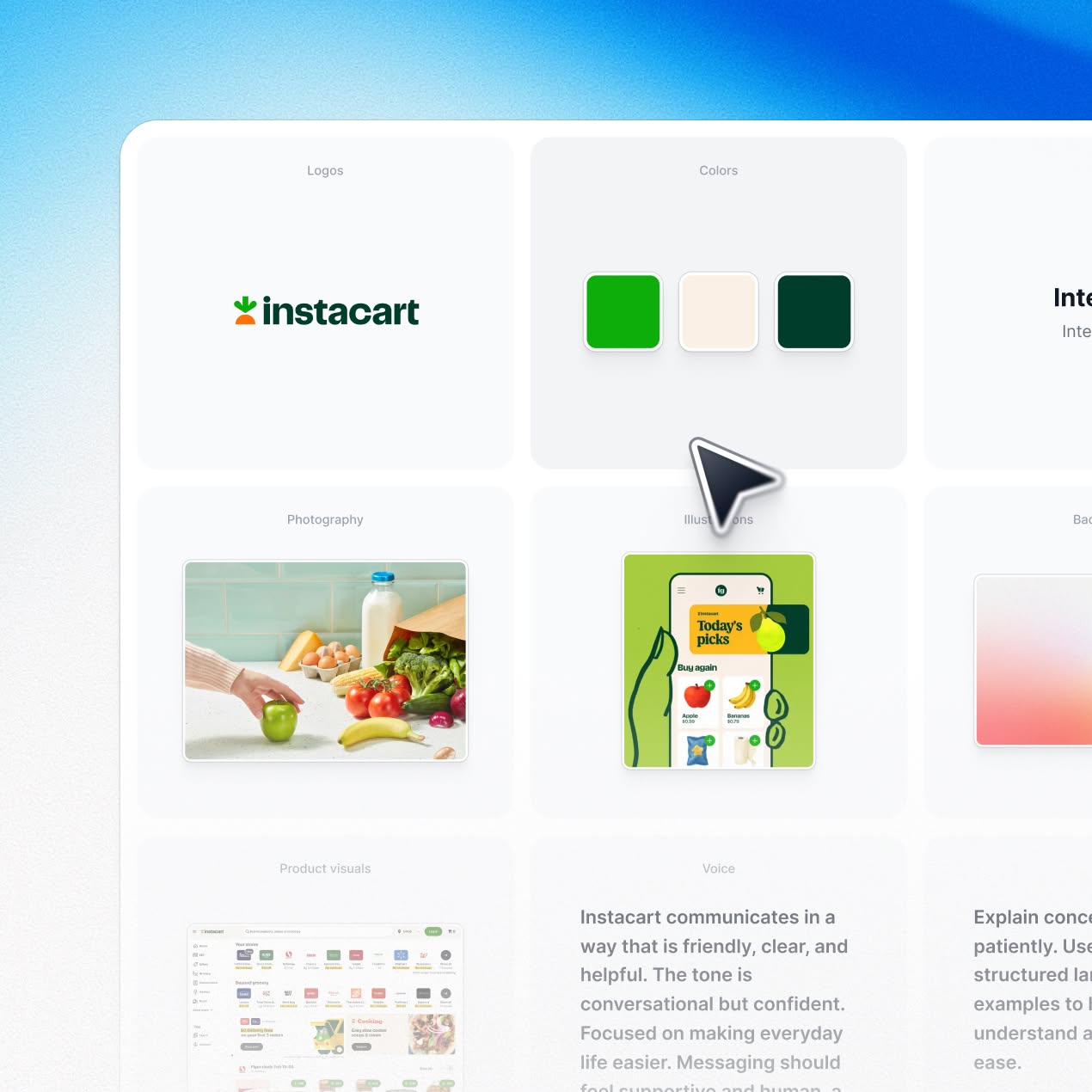
Arcade reads your website and extracts your colors, fonts, tone of voice, and photography direction. Every video reflects your brand automatically. No uploads, no manual setup.

Custom animated scenes

Make your point with a custom visual.

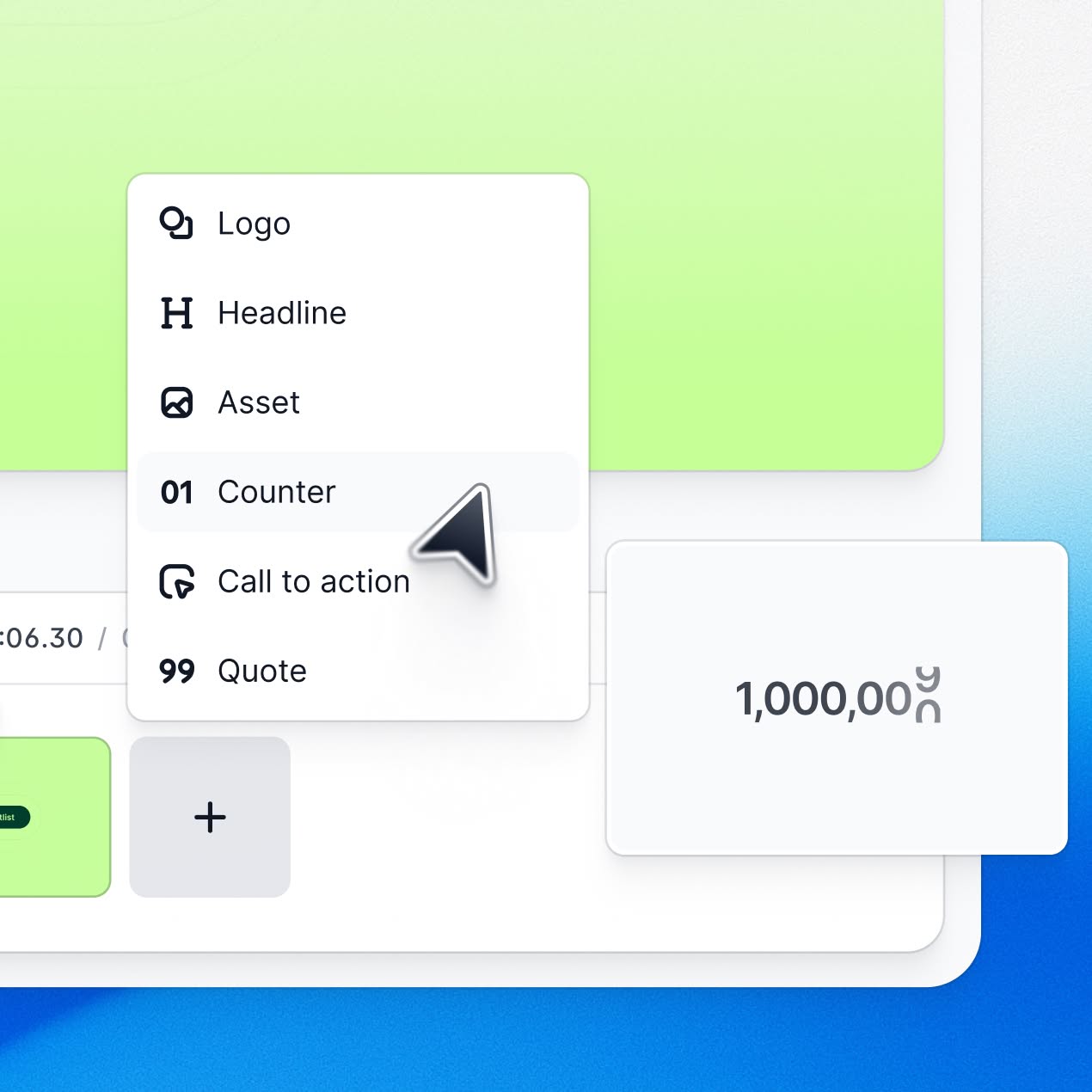
Describe a data visualization, a branded intro, or a custom transition. Arcade builds the scene from scratch and drops it into your video.

Cinematic quality

Set the stage, then show the product.

Don't start with a screen recording. Build a video with b-roll, animations, or customer quotes, then blend it with an interactive Arcade demo for a stronger product story.
Easy editing

Fine-tune without video expertise.

Need to make a last-time tweak? Go into Arcade to trim, reorder, update voiceovers, and adjust. No video editing background required.

Get started

Connect Arcade to your AI tool in a minute.

1
Pick your AI tool
We'll show you the exact steps to connect.
Claude Web
ChatGPT
Cursor
Claude Code
Other
2
Open the Add custom connector page in Claude
Open in Claude
3
Paste the Arcade URL
Name it Arcade, paste the URL, and click Add.
https://mcp.arcade.software/mcp
4
Connect and authorize
Sign in with your Arcade account to authorize access.
Start prompting
Ask Claude to make your first video.
Make a 30-second product launch video about [New feature].
2
Go to the Arcade app page on ChatGPT
Open in ChatGPT
3
Click Connect, which will bring up an "Add Arcade to ChatGPT" dialog.
4
Connect and authorize
Sign in with your Arcade account to authorize access.
Start prompting
Ask ChatGPT to make your first video.
Make a 30-second product launch video about [New feature].
2
Open MCP settings
In Cursor, go to Settings > Tools & MCPs and click New MCP server to open mcp.json file.
3
Add the Arcade config
Paste this into mcp.json
{
 'mcpServers': {
   'arcade': {
     'command': 'npx',
     'args': ['mcp-remote', 'https://mcp.arcade.software/mcp']
   }
 }
}
4
Connect and authorize
Sign in with your Arcade account to authorize access.
Start prompting
Ask Cursor to make your first video.
Make a 30-second product launch video about [New feature].
2
Register the Arcade MCP server
Run this in your terminal.
claude mcp add arcade --scope user -- npx mcp-remote https://mcp.arcade.software/mcp
3
Open the MCP menu
Start a new Claude Code session, then run the following.
claude /mcp
4
Select arcade, then select Enable.
A browser window will open automatically. Sign in with your Arcade account to authorize access.
Start prompting
Ask Claude Code to make your first video.
Make a 30-second product launch video about [New feature].