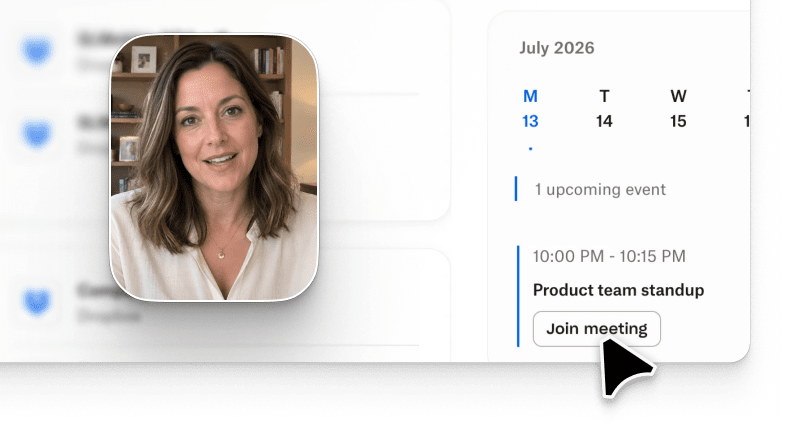
Connect Notion, Linear, Jira, Figma, and the other tools where your product story lives. Arcade turns your source of truth into an on-brand video, then posts it to your social channels.
Connect once, then every video starts from your team's source of truth.
Start from the source
Connect your tools from the Apps page. Arcade only reads what you already have access to and never changes anything in your tools.
Ask for what you need
Name the doc, project, or meeting in your prompt, and Arcade builds the video in your brand. Then fine-tune any scene by chat or by hand.
Share with a click
Ask for a version sized for each channel, then post them all from the Share panel. No more downloading and re-uploading.
Frequently asked questions
Arcade Apps connect Arcade to the tools your team already uses. Sources like Notion, Linear, and Google Drive give Arcade material to build videos from. Channels like LinkedIn, YouTube, and X let you post finished videos. AI agents let you make videos from ChatGPT, Claude, or any MCP client.
Sources like Notion, Google Drive, Linear, and Jira give Arcade material to build videos from. Channels like LinkedIn, YouTube, and X let you post finished videos. AI agents like ChatGPT and Claude let you make videos from the assistant you already use. The Apps page in Arcade lists every app you can connect today.
Connect Notion from the Apps page in Arcade, switch it on under + > Apps in the prompt box, and name the page you want, for example "Turn our Q4 launch brief in Notion into a launch video." Arcade finds the page, reads it, and builds the video in your Brand Kit.
No. Every source app is read-only and uses the access you already have. Arcade can read a doc, ticket, design, or meeting note, but it can't edit, create, or delete anything.
Sources and Channels are on Pro and Enterprise plans, including trials. AI agents and the Arcade Extension are on every plan, including Free. See pricing.
For Granola, Arcade uses the meeting summary and your own notes, not the full transcript. For Loom, Arcade reads the transcript. To use the Loom footage itself, download it from Loom and upload it to Arcade.
For most apps, no. Describe the doc, project, or meeting in plain words and Arcade finds it. For some apps, like Loom, you paste a link instead, and Google Drive asks you to pick the file the first time.