Arcade Apps connect Arcade to tools like Notion, Linear, Figma, and Granola, so you can build videos from the docs, tickets, and designs your team already has.
That matters because the best material for a product video rarely starts in a video tool. It's in the launch spec, the shipped tickets, the prototype, the call where a customer finally got it. With Arcade Apps, every video starts from your team's source of truth, instead of a blank prompt.
Below you'll find three ready-to-use prompts for each app, grouped by the job you're doing, plus what to know before you start. Apps that read from your tools are available on Pro and Enterprise plans.
| Prompt | Good for |
|---|---|
| "Turn our Q4 launch brief in Notion into a launch video." | Launch announcements |
| "Make a 15-second video ad from our spring campaign brief in Notion." | Video ads |
| "Make a how-to video from our Notion help doc on setting up team permissions." | Tutorials |
| Prompt | Good for |
|---|---|
| "Make a feature launch video from the Smart Alerts launch spec in Confluence." | Feature launches |
| "Turn our Confluence page on connecting Salesforce into a step-by-step tutorial video." | Tutorials |
| "Make a training video for the support team from our refund process page in Confluence." | Internal training |
| Prompt | Good for |
|---|---|
| "Turn the Acme pitch deck in my Google Drive into a follow-up video." | Sales follow-ups |
| "Turn the explainer script in my Google Drive into a 60-second explainer video." | Explainers |
| "Turn our latest blog draft in Google Drive into a LinkedIn video." | Blog to video |
| Prompt | Good for |
|---|---|
| "Make a changelog video from last week's Linear issues." | Customer changelogs |
| "Make a launch video for our Checkout Redesign project in Linear: what's new, why it matters, and how to try it." | Feature launches |
| "Make a LinkedIn video about the biggest thing the Mobile team shipped last cycle in Linear." | Social posts |
| Prompt | Good for |
|---|---|
| "Make a changelog video from the Jira tickets the APP team finished last sprint." | Sprint changelogs |
| "Make a customer onboarding video for our new Dark Mode feature from its Jira epic." | Customer onboarding |
| "Make a tutorial video for our new bulk edit feature from its Jira epic." | Tutorials |
| Prompt | Good for |
|---|---|
| "Make a what's new video from the latest version of our web-app repo on GitHub." | Release notes |
| "Make an explainer video for our new webhooks feature from its pull requests in web-app." | Explainers |
| "Make a developer update video about the new API endpoints in our latest web-app release on GitHub." | Developer marketing |
| Prompt | Good for |
|---|---|
| "Make a changelog video from everything merged in our Bitbucket workspace in the last 7 days." | Weekly changelogs |
| "Make a product demo of the newest feature merged into main in our payments repo." | Product demos |
| "Make a 30-second feature video about the new invoice export PR in Bitbucket." | Feature spotlights |
Paste the link to your frames or prototype after the prompt.
| Prompt | Good for |
|---|---|
| "Turn these Figma screens into a feature launch video." | Feature launches |
| "Walk through this Figma prototype as a 30-second product demo, in click order." | Product demos |
| "Make a social teaser for our upcoming redesign from these Figma frames." | Sneak peeks |
| Prompt | Good for |
|---|---|
| "Make a case study video from my customer interview with Brightline in Granola." | Customer stories |
| "Make a personalized follow-up video from my last call with Northwind in Granola." | Sales follow-ups |
| "Make a recap video of this week's customer calls in Granola for the product team." | Voice of the customer |
Paste the Loom link after the prompt.
| Prompt | Good for |
|---|---|
| "Use this Loom walkthrough as the script for a polished product demo." | Product demos |
| "Turn this Loom of our setup steps into an onboarding video for new customers." | Customer onboarding |
| "Turn the feedback in these Looms into a summary video for the product team." | Product feedback |
Already working in Claude or ChatGPT? Make and edit videos right in the conversation. The Arcade MCP connects Arcade to any AI agent you use. Learn more about Arcade for agents
Record a page or a workflow in your browser, and Arcade turns the recording into a polished video, with zooms and cursor moves you can adjust by asking. It works in Chrome, Edge, Opera, Brave, Dia, and other Chromium browsers. Get the Arcade Extension
When your video is ready, open Share and post it to your LinkedIn profile, YouTube channel, X account, or social channel of choice, without leaving Arcade.
AI agents and the Arcade Extension are available on every plan.
Your next video is already written somewhere in your tools, so go find it. Explore Arcade Apps
Arcade Apps connect Arcade to the tools your team already uses. Sources like Notion, Linear, and Figma give Arcade material to build from, channels like LinkedIn and YouTube let you post finished videos, and AI agents let you make videos from Claude, ChatGPT, or any agent.
Sources and channels are available on Pro and Enterprise plans, including trials. AI agents and the Arcade Extension are on every plan, including Free. See pricing
No. Every source app is read-only and uses the access you already have. Arcade can read a doc, ticket, design, or meeting note, but it can't edit, create, or delete anything.
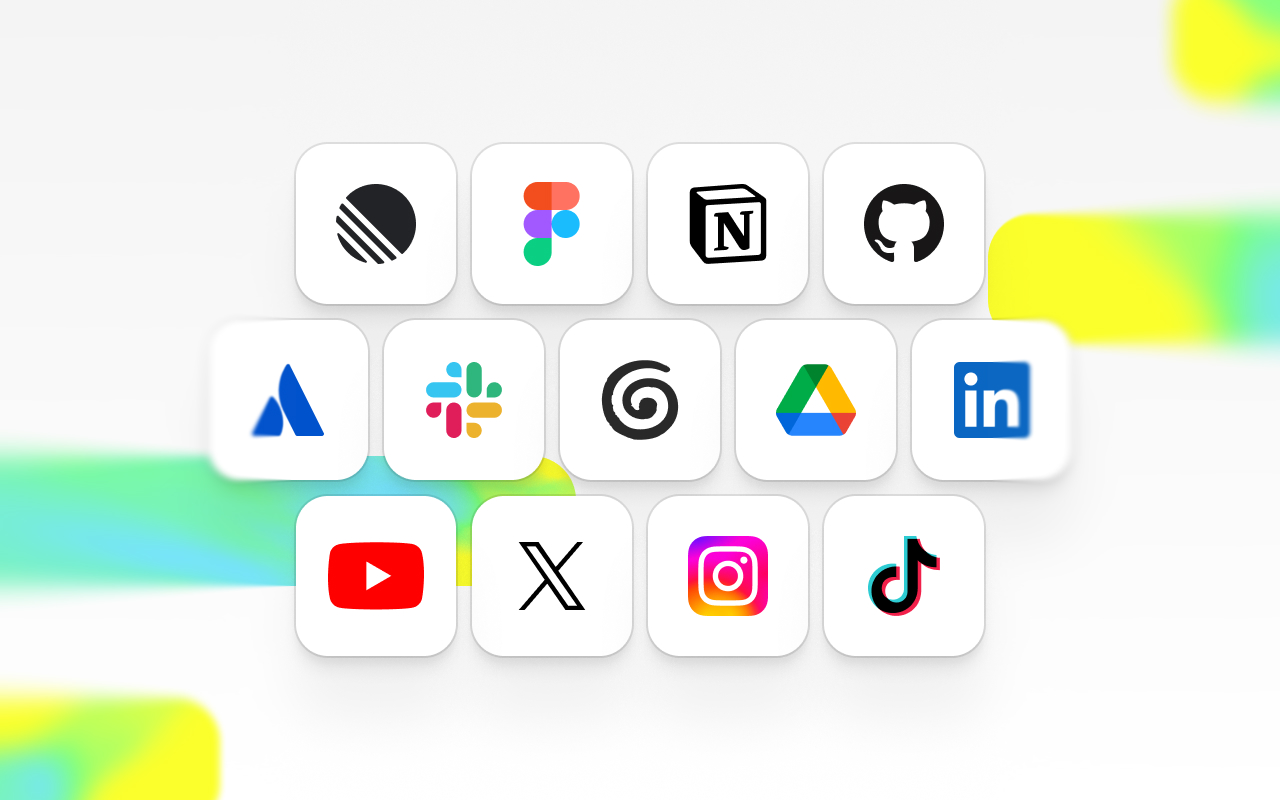
Today, you can connect Notion, Confluence, Google Drive, Linear, Jira, GitHub, Bitbucket, Figma, Granola, and Loom, plus LinkedIn, YouTube, and X for posting. More apps are on the way.
Open Apps in Arcade's sidebar, choose the app, and click Connect. Once it's connected, switch it on under + > Apps in the prompt box and name what you want Arcade to use.