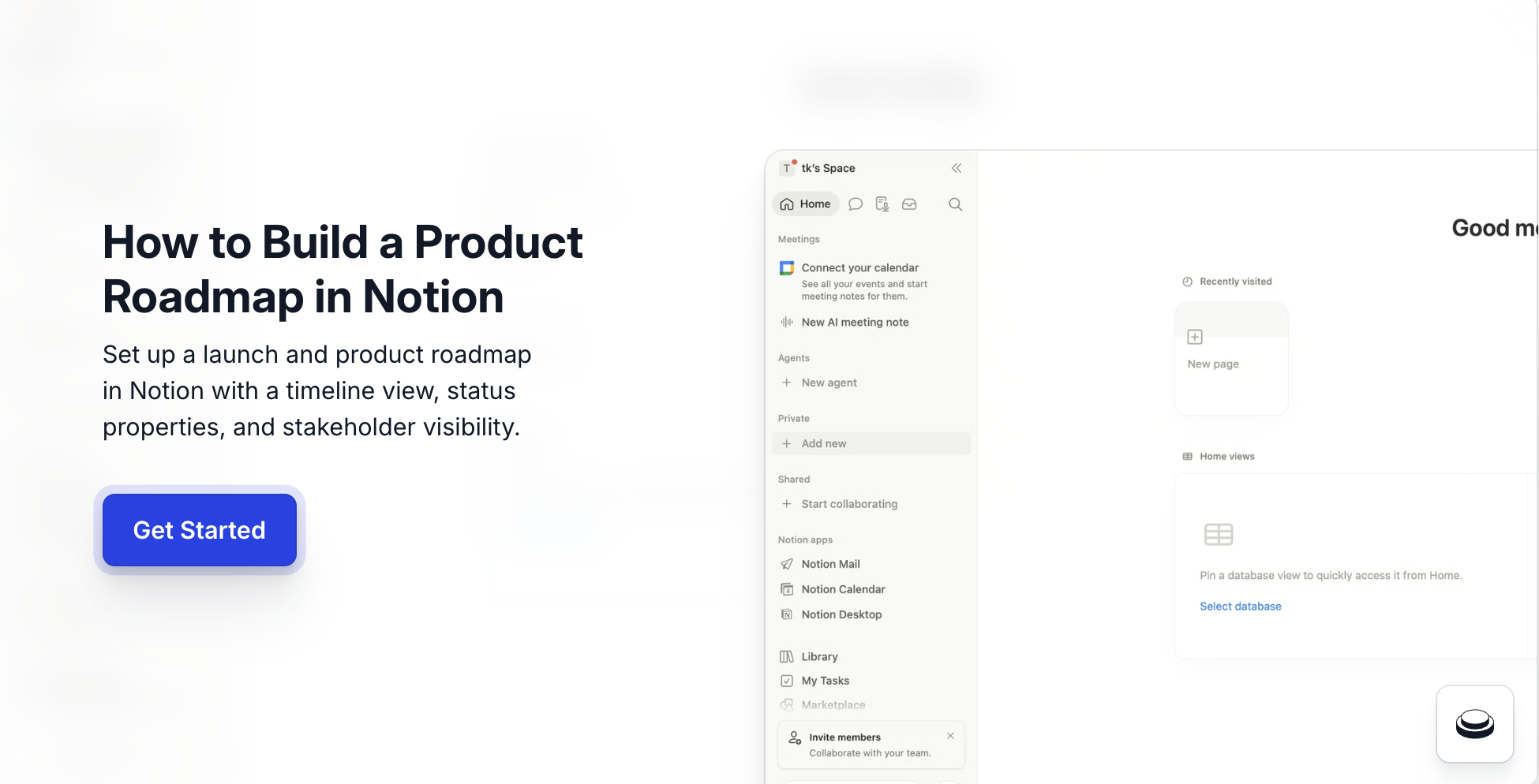
How to use Notion in 2026: create a new page, title it, layer in headings, to-do lists, and an inline database, then share with your team via invite or Share to web. The full first-wiki workflow takes under five minutes, and this Notion tutorial 2026 covers every click from blank page to shareable doc. Notion is the workspace most B2B SaaS teams use to run launches, build internal wikis, and align cross-functionally without spinning up a dedicated knowledge management tool. Arcade embeds natively inside Notion via the /embed block, so the wiki page that holds your team's launch plan also embeds the interactive demo of the feature, turning a doc nobody opens into a clickable preview your cross-functional partners actually use.
Arcade customers operationalize the Notion to interactive demo workflow with measurable outcomes: Wrike lifted onboarding conversion 65% with Arcade demos embedded in Notion enablement docs, Quantum Metric doubled conversion swapping static screenshots for Arcade demos in their internal launch wiki, and RudderStack went from 4-5 demos per quarter to 30+ after standardizing Notion + Arcade for launch docs.
According to the Consensus 2026 B2B Buyer Behavior Report, 80% of B2B decision-making now happens before a seller is involved, which means the launch doc stakeholders see needs to communicate the product, not just the dates. Per Pavilion's 2026 GTM Benchmarks, B2B SaaS PMM teams now own 60%+ of launch asset production directly, and the Notion wiki is increasingly where that work begins.
Quick Answer: How to use Notion for B2B SaaS teams
/embed so launch docs ship with clickable product previews instead of just descriptions.Notion for B2B SaaS is the lowest-friction way to align engineering, design, PMM, sales, and CS in one workspace without a separate wiki tool per team. Three reasons B2B SaaS teams own Notion for teams work directly:
B2B SaaS teams that try to run on Google Docs end up with broken doc trees and stale ownership within a quarter. Notion's hierarchical pages are built for the use case.
Below is how to use Notion end-to-end for the first time, the five-minute first-wiki setup B2B SaaS teams run before customizing for their specific workflows.
Before you start. A Notion workspace with edit access. Start on a blank page.
/heading and add a Heading 1./todo and add a to-do list with 2-3 items./table and insert an inline table (or a full-page database).The blocks below are the highest-leverage Notion primitives for B2B SaaS workflows. This Notion database guide covers the seven block types that cover roughly 80% of PMM and product team workflows. The / command pulls them all up; memorizing the names saves dozens of clicks per week.
| Block | Slash command | Use case | When B2B SaaS teams reach for it |
|---|---|---|---|
| Heading 1/2/3 | /h1, /h2, /h3 | Section structure | Every doc |
| To-do list | /todo | Action tracking | Launch checklists, meeting notes |
| Toggle | /toggle | Collapsible detail | FAQ wikis, optional context |
| Database (inline) | /table | Structured records | Launches, customers, OKRs |
| Callout | /callout | Emphasized note | Important reminders |
| Embed | /embed | External content | Arcade demos, Figma frames, Loom videos |
| Linked database | /linked | Filtered view of a database | Team-specific dashboards |
Once the base wiki is live, three Notion features compound the value for teams running real launches:
Each is documented in the Notion Help Center. Teams that adopt all three typically save 3-4 hours per week of doc maintenance.
Notion is the recommended workspace in this guide on how to use Notion, but it carries real constraints worth planning around before standardizing on it.
These are real constraints, not flaws. Account for them when sizing the rollout to your team.
The Notion to interactive demo handoff is what turns a static launch doc into a self-guided product preview for cross-functional partners. PMM and product teams pair the two using Notion's native /embed block and Arcade's share URL. The handoff is two steps.
/embed, paste the Arcade URL, and choose Create embed. The interactive demo renders inline, responsive on every device.The result is a Notion launch doc that doesn't just describe the feature, it shows the feature, clickable, for every stakeholder who opens the page. Wrike used this exact Notion to interactive demo embed pattern to lift onboarding conversion 65% on activation docs shared with new customers.
Yes. Notion's Free plan covers unlimited pages and blocks for personal use, and the Plus plan at $10/seat/month adds team workspaces, unlimited file uploads, and version history. Most B2B SaaS teams move to Plus once 5+ teammates need edit access.
Pages are flexible documents (write anything, embed anything). Databases are structured records with properties (Status, Owner, Date, etc.) and multiple views (Table, Board, Calendar, Timeline). Most B2B SaaS workspaces use pages for narrative docs and databases for trackable workflows.
Yes. The Business plan ($15/seat/month) is built for this, with unlimited team workspaces, advanced permissions, and SAML SSO. Most B2B SaaS companies past 50 people move to Business; Enterprise adds audit logs and SCIM.
Type /embed in any Notion page, paste the Arcade demo URL, and the interactive demo renders inline. Browse the Arcade showcase for real examples of demos embedded inside Notion launch docs and customer-facing wikis.
Notion is faster to set up, more flexible, and AI-native. Confluence is deeper for engineering-heavy orgs with complex permissions and Jira integration. B2B SaaS companies under 500 people usually pick Notion; enterprises with strict compliance often stay on Confluence.
Build a Team Wiki page first (this guide's five-minute setup), then add a Launches database with Status/Owner/Date/Theme properties. That pattern covers 80% of PMM Notion workflows in B2B SaaS. Check out Arcade's guides for more step-by-step walkthroughs built for SaaS teams.
Built with Arcade. This interactive walkthrough was built with Arcade, the interactive demo platform used by 30,000+ companies including OpenAI, Salesforce, and Zapier. Once you know how to use Notion for your team's launches, Arcade makes each launch doc clickable, turning screen recordings and Figma designs into interactive product walkthroughs with AI voiceover, branching, and analytics. Try free.