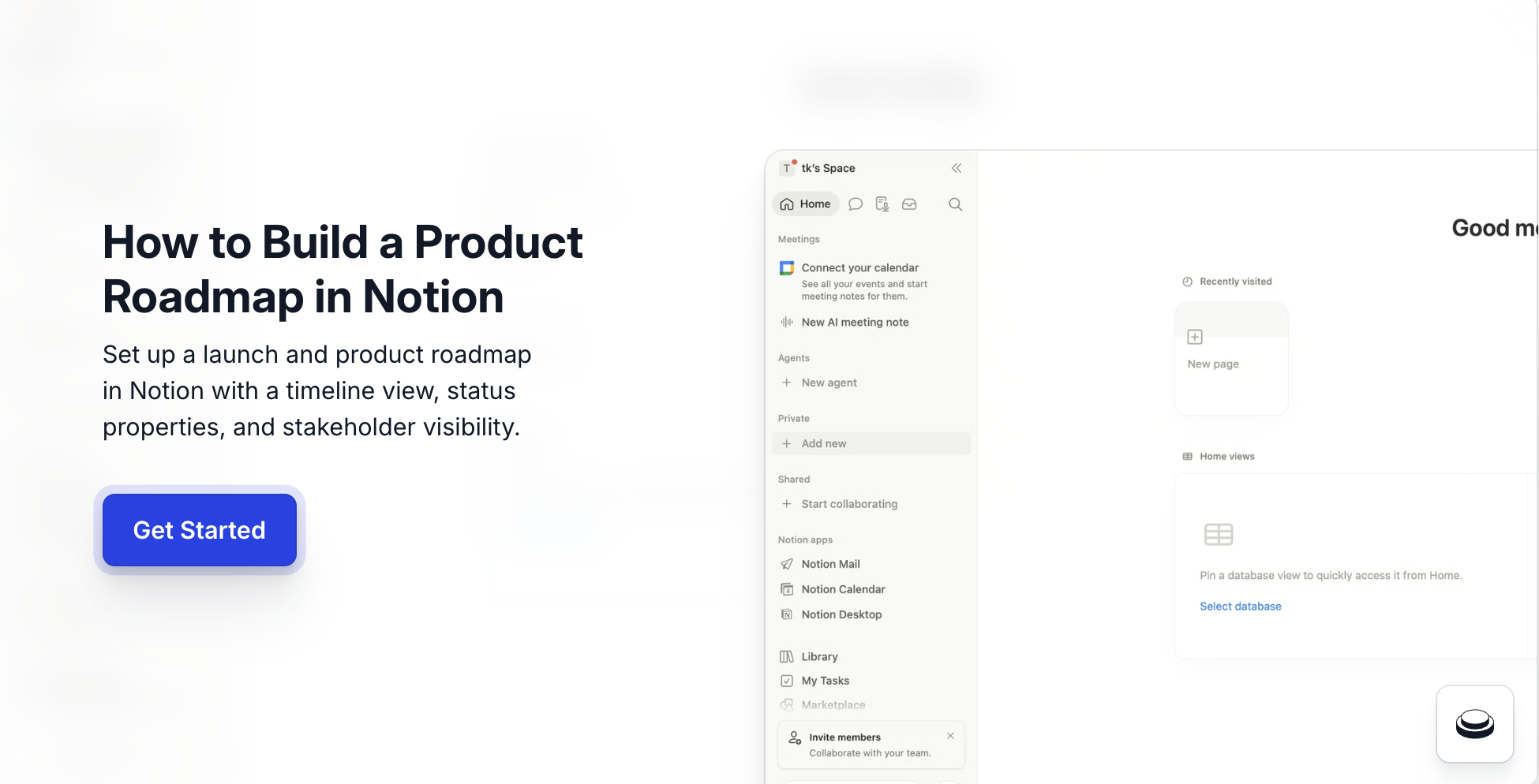
How to make a project roadmap plan in Notion: create a new page, add a full-page database with four properties (Status, Owner, Target Date, Theme), switch to Timeline view, group by theme, and share with your team. The full setup takes under ten minutes, and this Notion roadmap template walkthrough covers every click. Knowing how to make a project roadmap plan in Notion is the single most leveraged skill for PMM and product teams in 2026 because the roadmap becomes the source of truth that aligns engineering, design, sales, and exec stakeholders. Arcade ships natively inside Notion via /embed — so the roadmap doc that holds your themes and milestones also embeds the interactive demo of each feature, turning a static plan into a clickable preview your cross-functional team and stakeholders can self-guide.
Arcade customers operationalize the Notion roadmap to interactive demo workflow with measurable outcomes: Wrike lifted onboarding conversion 65% with embedded demos shipped alongside roadmap updates, Quantum Metric doubled conversion swapping static screenshots for Arcade demos in their launch comms, and RudderStack went from 4-5 demos per quarter to 30+ after pairing Notion launch docs with Arcade demos.
According to the Consensus 2026 B2B Buyer Behavior Report, 80% of B2B decision-making now happens before a seller is involved, which means the roadmap stakeholders see needs to communicate the product, not just the dates. Per Pavilion's 2026 GTM Benchmarks, B2B SaaS PMM teams now own 60%+ of launch asset production directly, and the Notion roadmap is increasingly where that work starts.
Quick Answer: How to make a project roadmap plan in Notion
Notion for product management teams is the lowest-friction way to align engineering, design, PMM, and sales on what's shipping and when. Three reasons product teams own the roadmap in Notion directly instead of buying a dedicated tool:
Product teams that try to run roadmaps in spreadsheets end up with broken filters and stale data within a quarter. Notion's database primitives are built for the use case.
Below is the ten-minute first-roadmap setup, the workflow most product teams run before customizing for their team's specific themes. The Notion roadmap timeline is the view that turns a flat list into a calendar product stakeholders can actually scan, and learning how to make a project roadmap plan in Notion this way scales from a 5-person product team to a 50-person org without re-platforming.
Before you start. A Notion workspace with edit access. Start on a blank page.
/database and choose Database — Full page (or Board).The four base properties below are the minimum viable Notion roadmap database. Add domain-specific properties as the team scales.
| Property | Type | Purpose | When PMM teams customize it |
|---|---|---|---|
| Status | Select | Lifecycle stage (Idea, Scoped, In Progress, Shipped) | Add custom stages per process |
| Owner | Person | Accountable PM or eng lead | Always single-person, not team |
| Target Date | Date | Ship target for Timeline view | Use date range for multi-quarter items |
| Theme | Select | Strategic bet (e.g. AI, Enterprise, Activation) | Match Q-planning themes |
| Tier | Select | Priority (P0, P1, P2) | Add when team has 20+ items |
| Epic Link | Relation | Connection to engineering epic | Add when syncing with Linear or Jira |
| PRD | Files or URL | Source spec doc | Always link to PRD, not paste |
Once the base roadmap is live, three Notion features compound the value for product teams running real launches:
Each is documented in Notion's Help Center. Product teams that adopt all three typically save 2-3 hours of roadmap meeting prep per week.
Knowing how to make a project roadmap plan in Notion gets a team 80% of the way to a working roadmap, but the platform carries real constraints worth planning around before standardizing on it.
These are real constraints, not flaws. Account for them when sizing the rollout to your team.
The Notion roadmap shows what's coming. The interactive demo shows what it looks like. PMM and product teams pair the two using Arcade's native Notion embed for the highest-impact stakeholder previews. The handoff is two steps.
The result is a roadmap row that doesn't just say "Ship onboarding redesign Q2", it shows the onboarding redesign live, clickable, for any stakeholder who opens the page. Wrike used this exact Notion roadmap to interactive demo pattern to lift onboarding conversion 65%.
Yes. Notion's Free plan covers unlimited pages and blocks for personal use, and the Plus plan at $10/seat/month adds unlimited file uploads, version history, and team workspace features. Most product teams move to Plus once 5+ teammates need edit access.
A full-page database with Status, Owner, Target Date, and Theme properties, viewed as a Notion roadmap timeline grouped by Theme. This Notion roadmap template format is the closest fit for product team needs without overwhelming the rest of the org.
Yes, with linked databases. Each team maintains its own roadmap database, then a master "All Product Roadmaps" page uses linked database views to roll up the full org-level picture. Permissions and ownership stay clean.
Paste the Arcade demo URL directly into the roadmap row's content area and choose Create embed. The interactive demo renders inline on every device, no engineering involvement, and clickable for any stakeholder. Browse the Arcade showcase for real examples of embedded demos in action.
A timeline grouped by quarter with theme-based color coding, plus an Arcade demo embed per shipped feature. The visual is the roadmap; the demo is the proof. Together they replace launch decks for cross-functional alignment.
Notion is the documentation and roadmap home. Linear is the engineering issue tracker. Most product teams use both, Linear for sprint execution and Notion for the higher-level themes, briefs, and stakeholder roadmap.
Built with Arcade. This interactive walkthrough was built with Arcade, the interactive demo platform used by 30,000+ companies including OpenAI, Salesforce, and Zapier. Once you know how to make a project roadmap plan in Notion, the natural next step is making each roadmap row clickable — Arcade turns screen recordings and Figma designs into interactive product walkthroughs with AI voiceover, branching, and analytics. Try free.