As a founder, I spend all day talking to prospects, candidates, and customers. Almost everyone I talk to has brought up Claude as a workflow. It’s possible that the tailwinds of Claude Code have pushed teams to invest in it across the board — but the rate of adoption has been accelerating.
At Arcade, we’ve setup Claude with MCP integrations internally. It’s been really powerful to see it in action. We use it for research across Gong, Linear, Intercom, CommonRoom and Slack messages about the top product investments to make; we use Claude Cowork for scheduled workflows; we use it for account research and actions across our user base datasets.
Last week, we announced a new capability for Arcade - our Creator Studio product, which allows any modern marketing team to build content at scale with video, interactive demos and images — starting with context about your brand and only needing a text prompt.
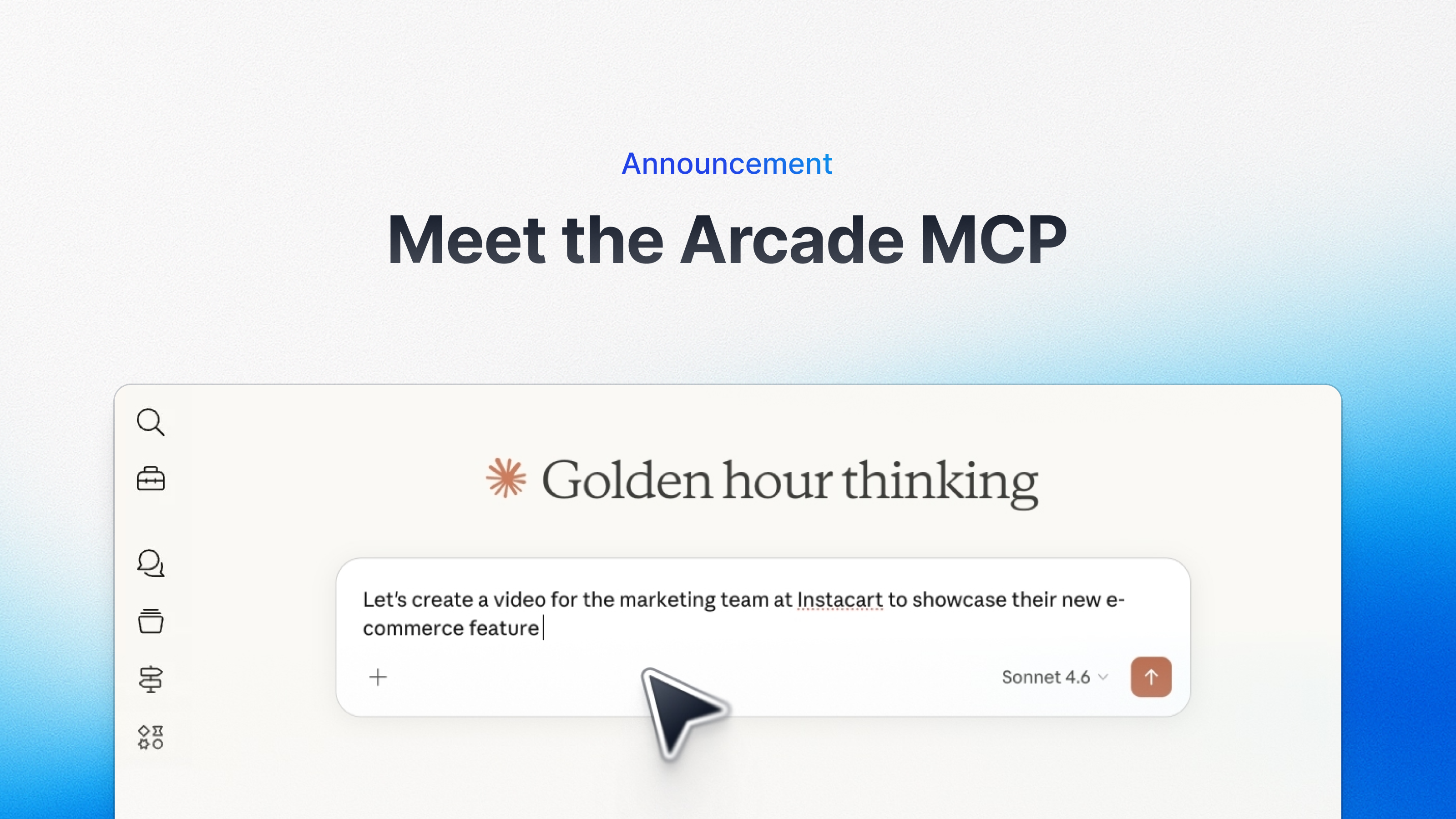
Which is why we’re excited to announce: Arcade’s Claude MCP server is now out of beta and lets you create video at scale, as well learn from the performance of your Arcades! With our new text to video capabilities, you can now integrate Arcade within your workflows. If you want to skip the rest of this read and just try it out for yourself, the instructions are here.
The new Arcade Claude MCP server has two capabilities (right now):
1. Create videos at scale with Claude
With Claude, you can create videos quickly from any prompt or storyboard. Super powerful for building videos at scale.
We create a Brand Kit for you if it doesn’t exist already. Check it out below:
2. Create Arcade performance with Claude
Query analytics about Arcade interactive demos. Quickly learn what is useful.

With the new MCP, there’s a lot of use cases that open up for teams. The only limit is your imagination.
Here’s a few cool ones to get you started.
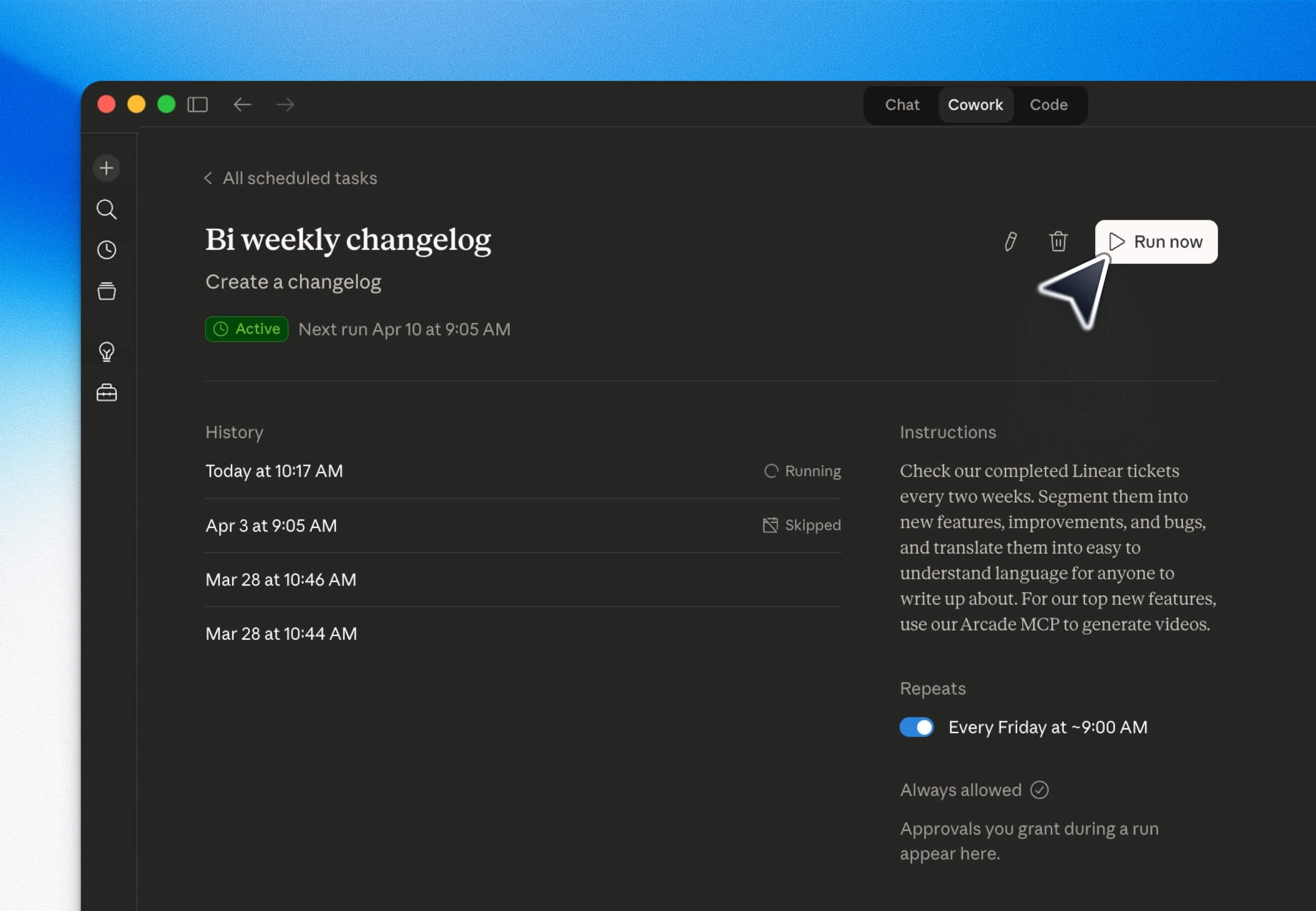
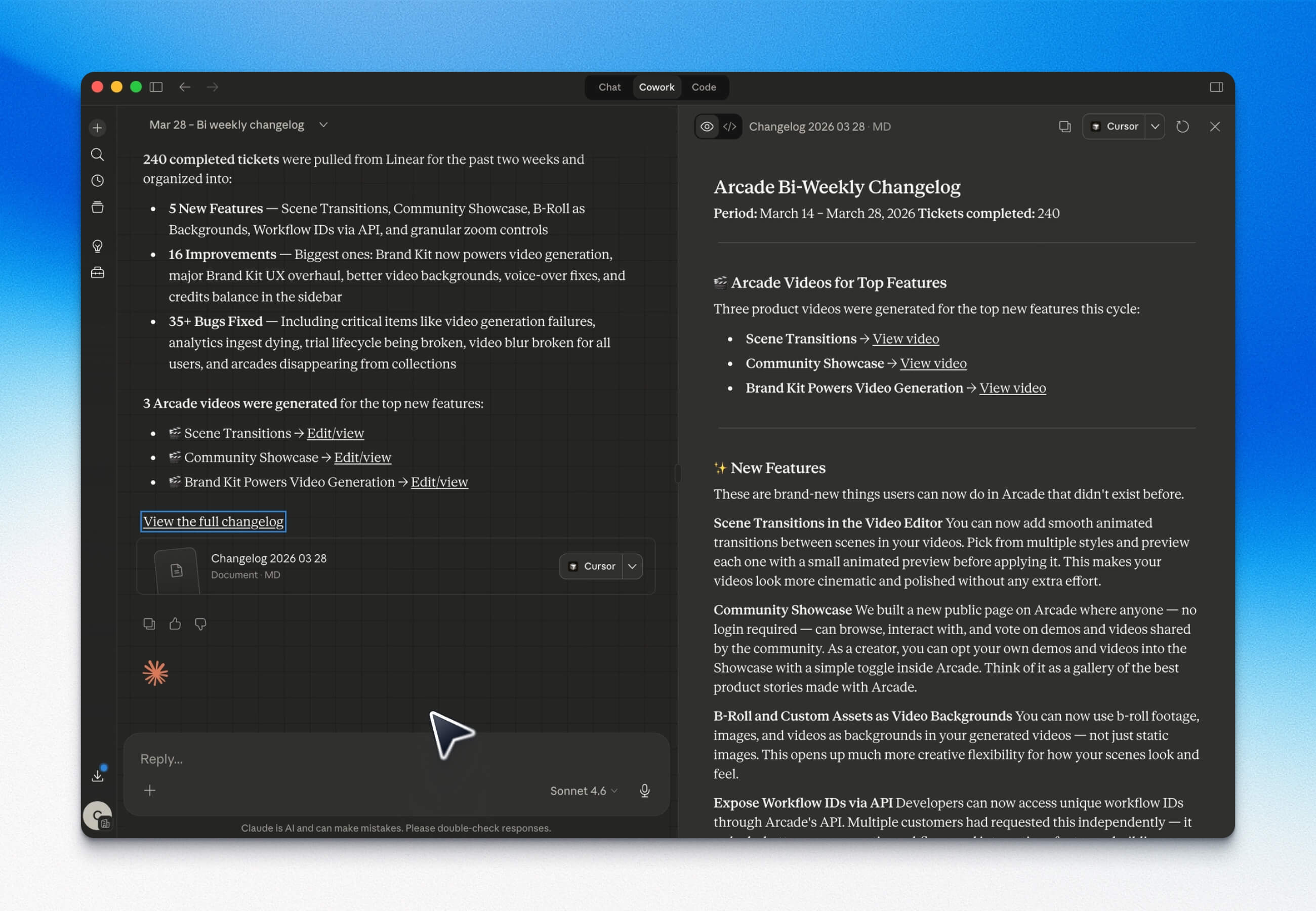
Automatically create videos for your top changelog features with every cycle
Have it ready to copy and paste into your blog posts, CMS, and social media platforms.
Tools and integrations required: Claude Cowork, Linear and Arcade.
Prompt: Check our completed Linear tickets every two weeks. Segment them into new features, improvements, and bugs, and translate them into easy to understand language for anyone to write up about. For our top new features, use our Arcade MCP to generate videos.
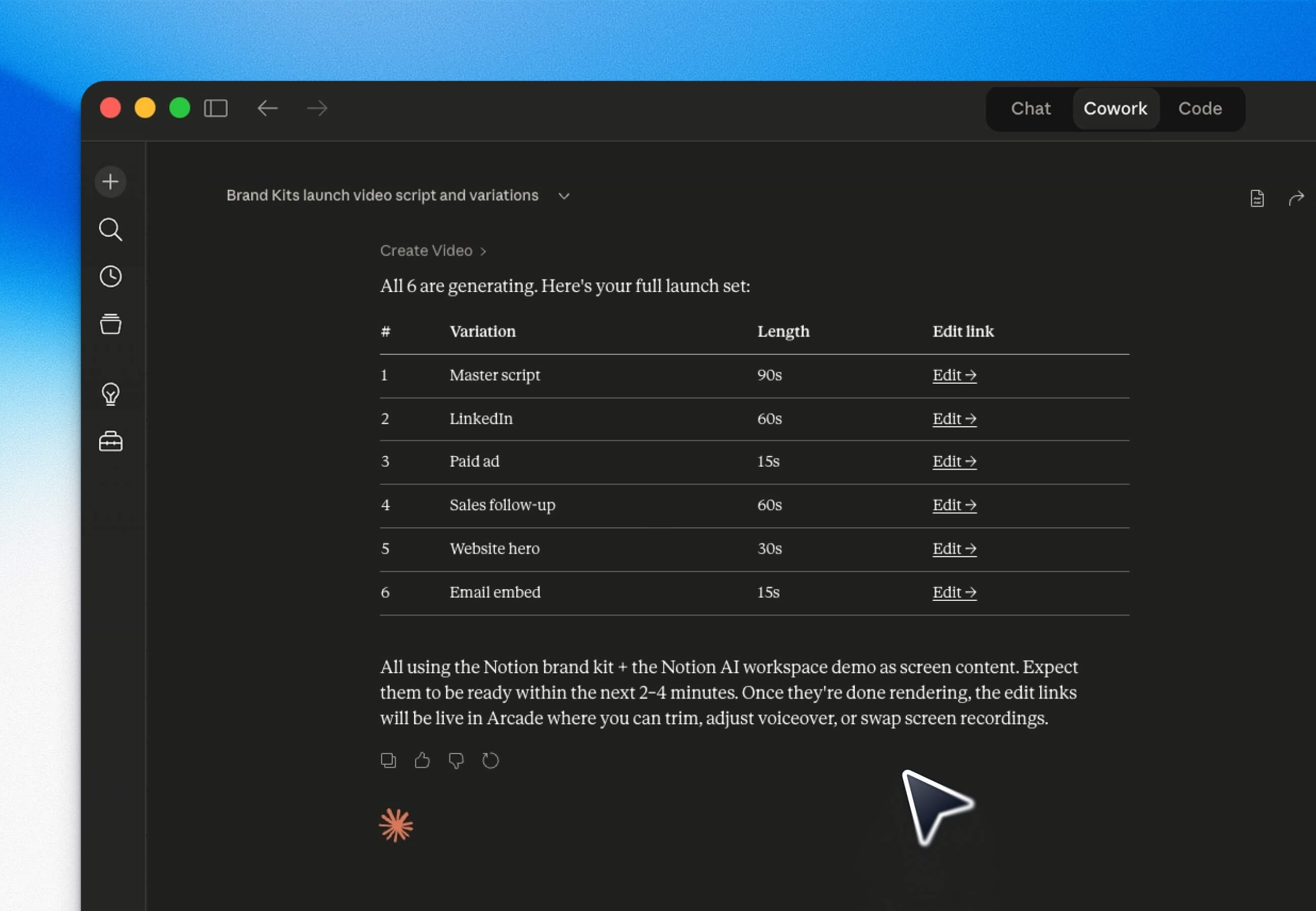
Create variations of videos for launches
Start with any file: such as Figma designs for a new product feature, and build many variations of videos as possible for different formats.
Tools and integrations required: Claude, Figma and Arcade.
Prompt: You are a senior product marketer creating a launch video.
Context:
Product: [PRODUCT NAME]
Feature: [FEATURE NAME]
ICP: [TARGET CUSTOMER]
Core pain: [PAIN POINT]
Key value prop: [VALUE]
Differentiation: [WHY WE WIN]
Task:
1. Create a 60–90 second product launch video script.
2. Structure:
a. Hook (first 5 seconds, high urgency or insight)
b. Problem (specific, emotional, ICP-aware)
c. Solution (clear, differentiated)
d. Product walkthrough (concrete use case)
e. Outcome (ROI or transformation)
f. CTA (clear next step)
g. Then create 5 variations:
i. LinkedIn version (thought-leadership tone)
ii. Paid ad version (fast, punchy, conversion-focused)
iii. Sales follow-up version (more direct, 1:1 tone)
iv. Website hero version (clear + polished)
v. Email embed version (curiosity-driven)
Constraints:
Avoid generic language
Use concrete examples
Make it feel like a top-tier SaaS company (e.g. Notion, Figma)
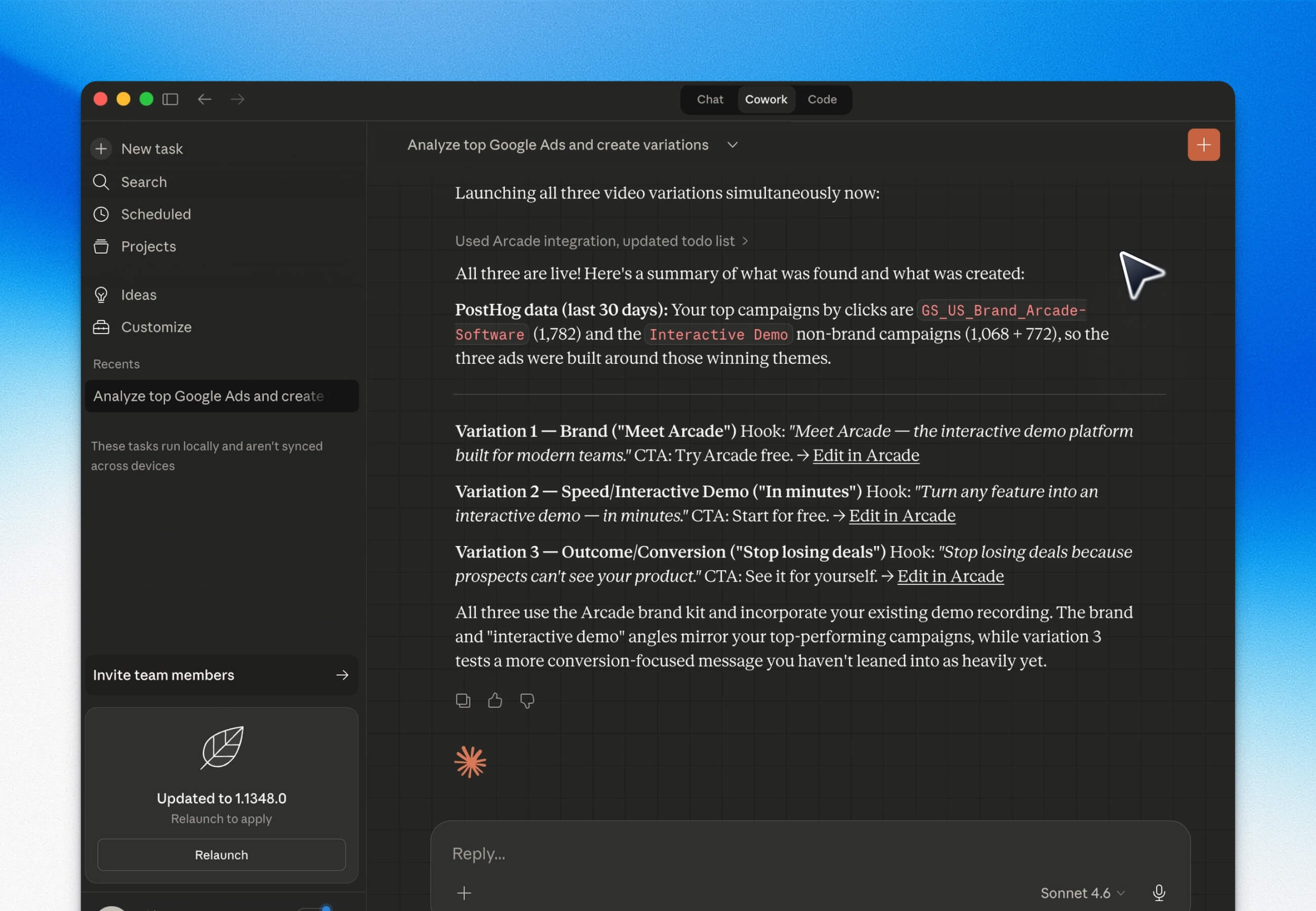
Create variations of videos for paid marketing
Claude can be magic for paid marketers and growth teams. Check out this blog post on it.
You can run variations on videos based on opportunities in spend.
Tools and integrations required: Claude Cowork, Posthog and Arcade.
Prompt: Check our PostHog for the top performing Google Ads in terms of clicks, and create three variations of ads with slightly different messaging using Arcade.
Create videos for personalized buyer outreach
You can now create personalized videos, at scale.
Say you are reaching out to a list of new prospects, or following-up after a sales call – you can ask Claude to create a video for every buyer.
Make the video even more personal by cross-referencing call notes or messaging docs to call out why you’re the best fit.
Tools and integrations required: Claude, Granola, Notion and Arcade.
Prompt: Create a video for Head of Sales at Salesforce. Refer to Granola notes on the top 3 things that she cared about, and cross check that with our Positioning Guide in Notion. Insert the video link into a follow-up template.

See how your demos are landing with buyers and customers
If you’re already using Arcade, then you know it’s a great tool for leave-behinds and seeing what parts of your product is keeping buyers and customers interested.
You can now get all of that data directly in Claude, and ask it to chart graphs for you to see a quick snapshot.
Tools and integrations required: Claude, and Arcade.
Prompt: Find my most engaged leads from this past week. Show me what demos they are watching in Arcade. Create a graph from the data.

These are just the start of the possibilities! Check it out: Get it now.
P.S. None of this was written by Claude or AI ;)
Share on