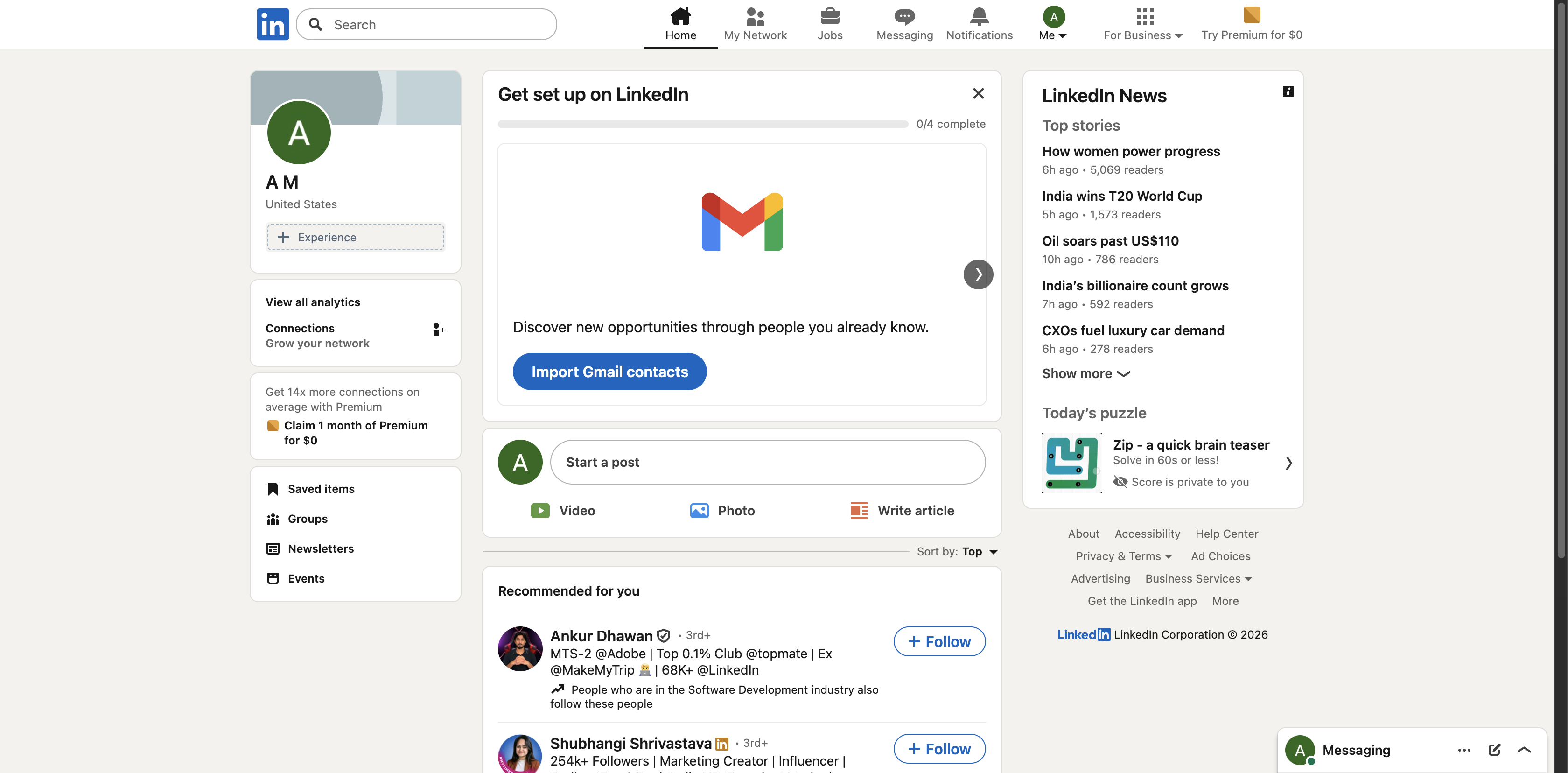
1. Log in to LinkedIn. Go to the LinkedIn website or open the app and sign in to your account.
2. Go to Settings & Privacy. Click your profile picture (Me icon) at the top right of the homepage, then select Settings & Privacy.
3. Open Account PreferencesIn the left sidebar, click Account preferences.
4. Select “Close Account”. Scroll down to the Account management section and click Close account.
5. Choose a reason LinkedIn will ask why you want to close your account. Select a reason and click Next.
6. Enter your password. Re-enter your LinkedIn account password to confirm.
7. Confirm account deletion. Click Close account to permanently delete your LinkedIn profile.